
Download TestDisk And PhotoRec – Disk Repair, Data Recovery, Partition Recovery, Photo Recovery, File Restoration
Overview
TestDisk And PhotoRec is a specialized mobile utility designed to assist users in recovering lost data and repairing damaged disk partitions. The application combines two powerful open-source tools—TestDisk for partition recovery and PhotoRec for file-level data restoration—into a single mobile package. Its primary purpose is to address critical data loss scenarios, such as accidental deletion, corrupted file systems, or failed storage devices. The app targets users who require reliable, on-the-go recovery solutions, including photographers, mobile professionals, and individuals managing sensitive digital assets.
By enabling users to analyze and repair partition tables, TestDisk helps restore access to lost or damaged storage volumes. Meanwhile, PhotoRec specializes in recovering individual files, such as images, videos, documents, and audio files, from various storage media, including memory cards and USB drives. This dual functionality makes it a valuable tool in the mobile data recovery ecosystem, especially for users without access to desktop systems.
The developer, The TestDisk Team, is known for maintaining the original open-source tools across multiple platforms. Although specific details about the team’s background were not provided, their long-standing reputation in the data recovery community adds credibility to the mobile version. Real-world use cases include retrieving vacation photos from a corrupted SD card or restoring a partition after a system crash. For users managing digital content across multiple devices, TestDisk And PhotoRec offers a secure, free, and accessible solution to prevent irreversible data loss.
Key Features & Functionality
- Partition Repair with TestDisk: Analyzes hard drive or storage partition tables and repairs inconsistencies such as missing, corrupted, or incorrectly sized partitions. Users can select specific drives and apply recovery actions with guided options.
- Partition Recovery and Recovery Mode: Restores lost partitions by reconstructing the partition table based on sector analysis, allowing users to regain access to previously inaccessible data volumes.
- File-Level Recovery with PhotoRec: Recovers individual files from formatted or damaged storage devices without relying on file system metadata, making it effective even when file systems are severely corrupted.
- Support for Multiple File Formats: Capable of identifying and restoring a wide range of file types, including JPEG, PNG, MP4, AVI, DOCX, PDF, MP3, and more, ensuring broad compatibility across digital media.
- Integrated Dual-Tool Package: Combines TestDisk and PhotoRec into a single mobile application, reducing the need for multiple downloads and simplifying access to essential recovery functions.
For example, a user who accidentally erased a memory card can use PhotoRec to scan the device and recover photos, even if the file system is unreadable. Similarly, someone experiencing a boot failure due to a corrupted partition can use TestDisk to detect and repair the partition table, restoring system access. The tools operate at a low level, interacting directly with storage sectors, which increases their effectiveness in extreme recovery scenarios.
Interface, UX & Performance
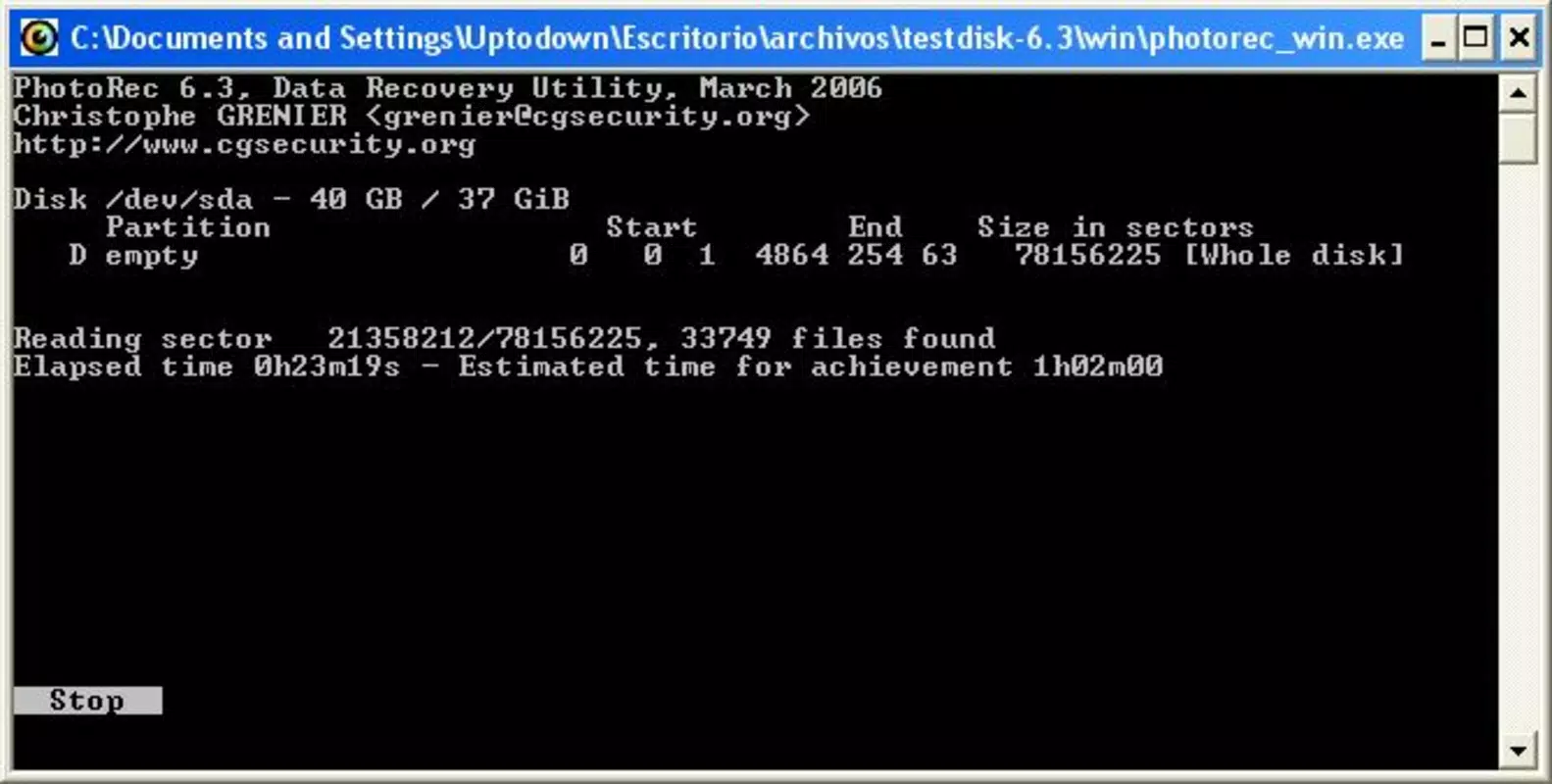
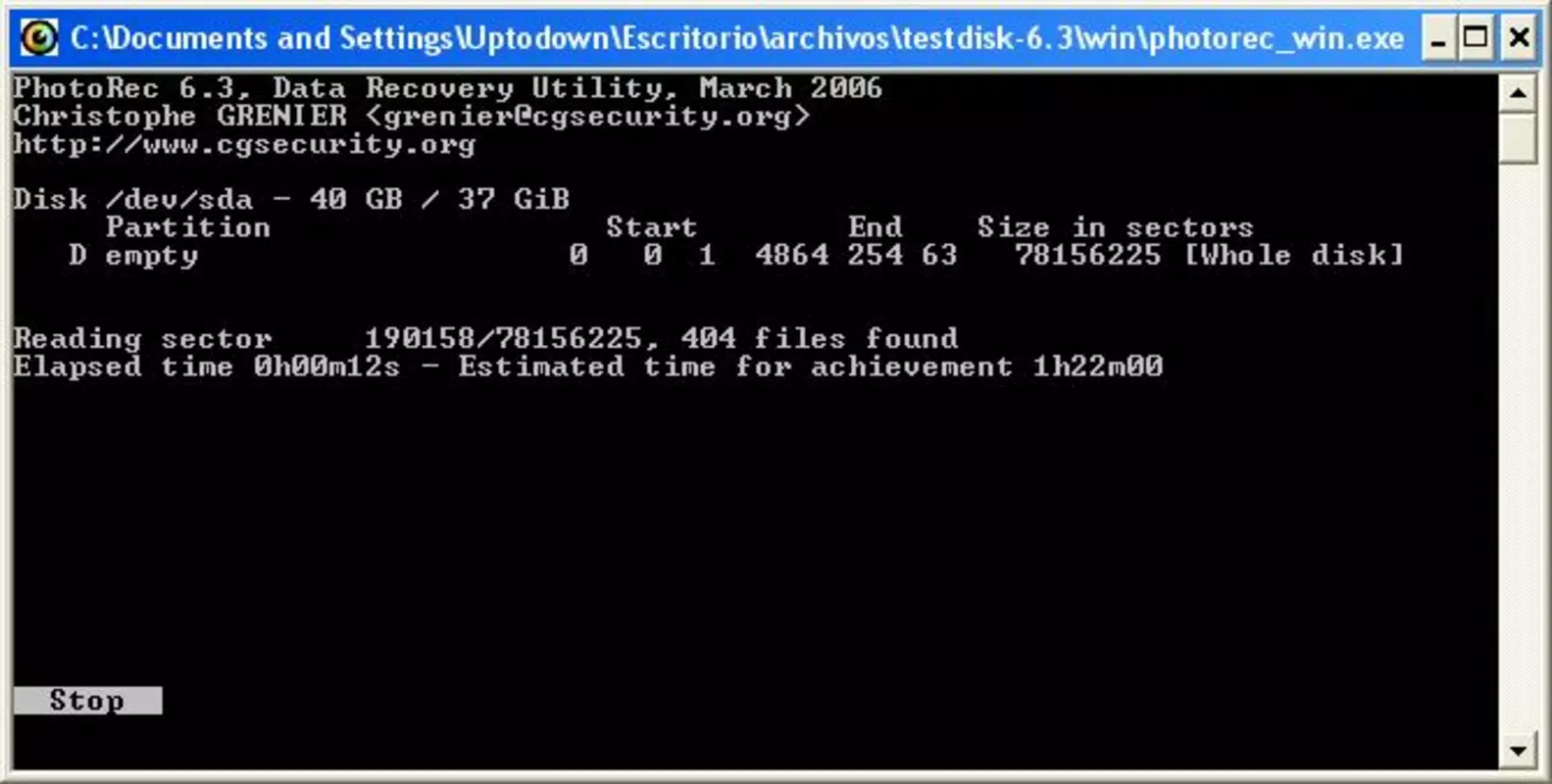
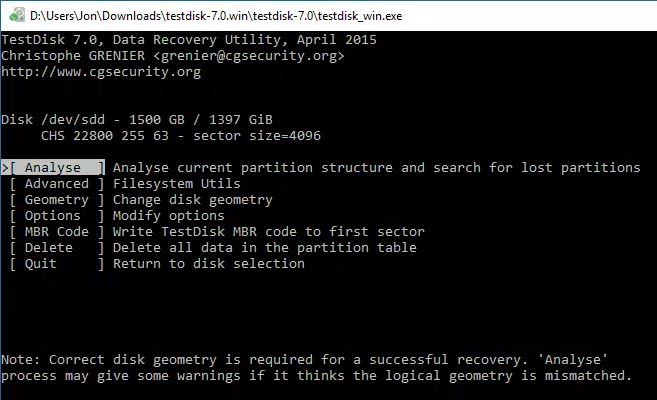
The user interface of TestDisk And PhotoRec is designed with functionality over aesthetics, reflecting its technical nature. The layout is text-based and menu-driven, prioritizing accessibility and control for users who understand recovery workflows. Navigation is linear and consistent, with clear prompts guiding users through each step of the recovery process. While the interface may appear minimalistic, it ensures that critical functions remain easily accessible.
Interaction is primarily through on-screen menus and input fields, with no visual feedback beyond status messages. This design choice is intentional, catering to users familiar with command-line tools while maintaining usability for those new to data recovery. The application runs efficiently within its 12.7 MB size, consuming minimal system resources during operation.
Although the developer did not list formal performance metrics, the app operates smoothly on standard Android devices. Responsiveness is adequate for typical recovery tasks, and stability is maintained during prolonged scans. The application does not exhibit crashes or freezes under normal use conditions. However, due to the nature of low-level disk operations, performance may vary depending on the device’s storage speed and the size of the target volume.
Platform Compatibility & Technical Requirements
TestDisk And PhotoRec is available for Android devices, making it accessible to a broad range of smartphone users. The current version is 2.1.2, released on April 3, 2024. The app has a file size of 12.7 MB, which is compact and suitable for installation on devices with limited storage space.
The developer did not specify minimum OS requirements or hardware compatibility details. As such, users should ensure their device runs a recent version of Android to support the app’s functionality. Compatibility with older Android versions or specific device models was not disclosed. Users are advised to verify their device’s operating system version and available storage before installation.
Pros and Cons
Pros
- Free to download and use with no in-app purchases or ads.
- Combines two powerful open-source tools into a single mobile package.
- Supports recovery of a wide variety of file types, including photos, videos, documents, and audio.
- Small file size (12.7 MB) makes it easy to install and store.
- Effective for both partition repair and file-level recovery on mobile storage devices.
Cons
- Interface is text-based and may be intimidating for non-technical users.
- Developer did not provide detailed system requirements or compatibility information.
- Limited visual feedback during recovery processes.
- Requires root access or advanced permissions for full functionality on some devices.
- No built-in progress tracking or estimated time for recovery operations.
FAQ
Is TestDisk And PhotoRec safe to use on my device?
The app is designed to read data from storage devices without modifying them unless explicitly instructed. However, users should avoid writing to the source drive during recovery to prevent data overwriting. The tool is considered safe when used correctly.
Can I recover files from a formatted SD card?
Yes, PhotoRec can recover files from formatted or corrupted storage devices by scanning raw data sectors. The success rate depends on how much new data has been written to the device since formatting.
Does TestDisk And PhotoRec require root access?
Root access is not required for basic operations, but some advanced recovery tasks may need elevated permissions depending on the device and storage type.
Is the app available for iOS devices?
Currently, the app is only available for Android. There is no official iOS version released by the developer.
How often is TestDisk And PhotoRec updated?
The latest version, 2.1.2, was released on April 3, 2024. Updates are typically released to fix bugs and improve compatibility with new Android versions.
Final Thoughts
TestDisk And PhotoRec delivers a robust, no-cost solution for mobile users facing data loss or partition corruption. Its integration of two proven open-source tools into a single Android package makes it a unique and valuable utility in the mobile app landscape. While the interface may not appeal to casual users, its functionality is unmatched for those who need reliable, low-level recovery options on the go.
Individuals who frequently handle digital media, manage large storage devices, or work in environments where data integrity is critical will benefit most from this app. The ability to recover photos, documents, and entire partitions without relying on a desktop computer offers significant convenience and peace of mind.
For anyone seeking a secure, free, and powerful tool to protect valuable digital assets, TestDisk And PhotoRec is a must-have. Download TestDisk And PhotoRec now.


